Yinxiang (China)
The Yinxiang China connector uses the official Developer Token and NoteStore API. It is read-only, indexes one explicitly selected notebook, and can index note resources as child documents.
Scope and behavior
The connector uses the app.yinxiang.com production service, keeps a checkpoint for incremental sync, validates the selected notebook against listNotebooks, and filters synchronized notes by that notebook GUID.
Treat a Developer Token like a password. Do not commit it to source control or include it in screenshots. Revoke and regenerate it from the Developer Token page if it may have been exposed.
Prerequisites
Create a production token, confirm the target notebook is accessible, and ensure the Alephant deployment can reach the NoteStore URL.
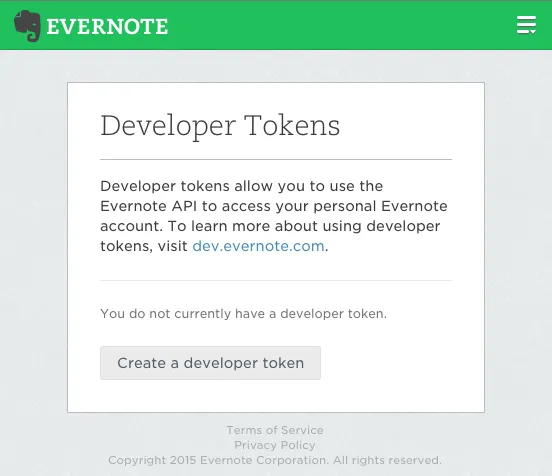
Step 1: Get a Developer Token
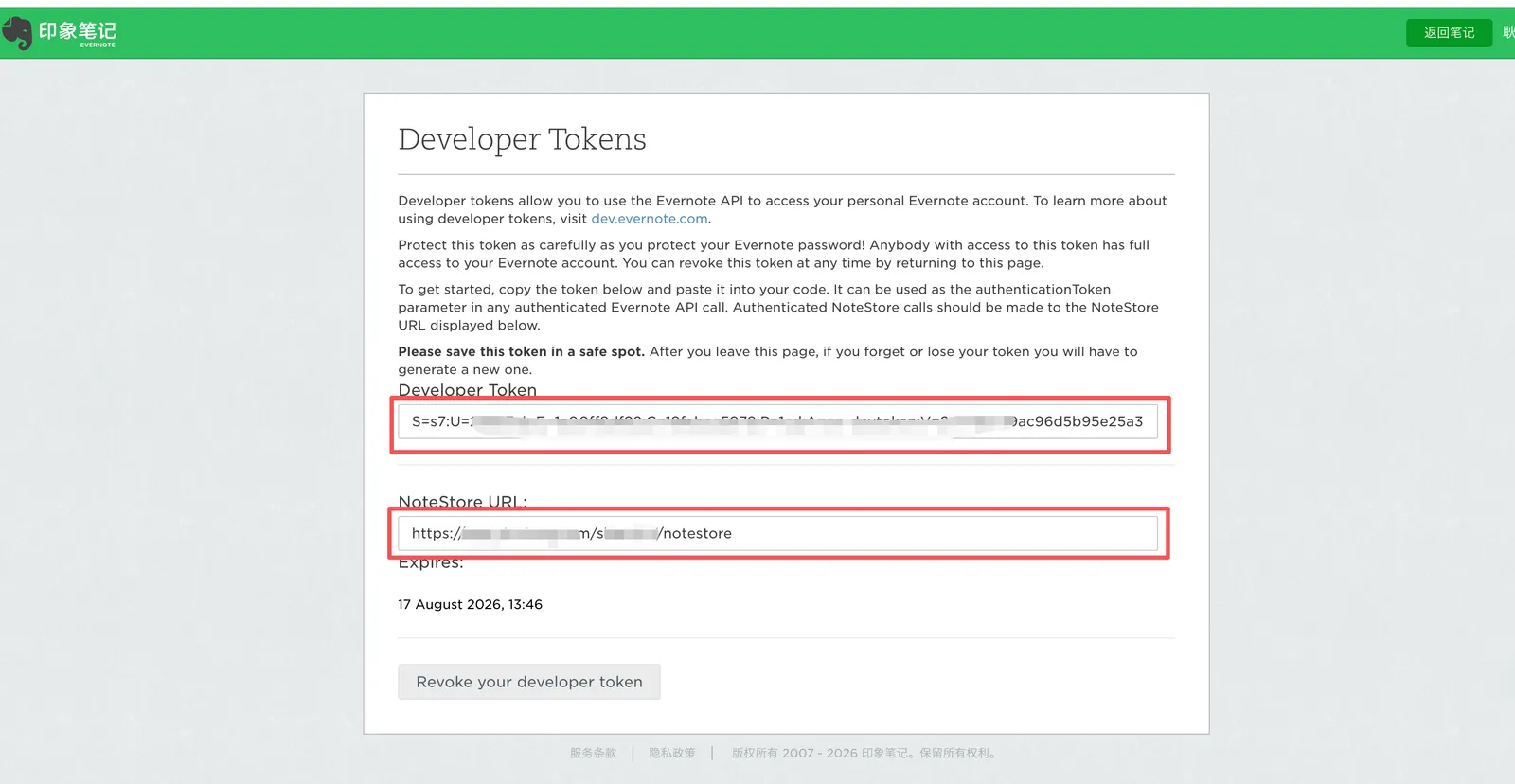
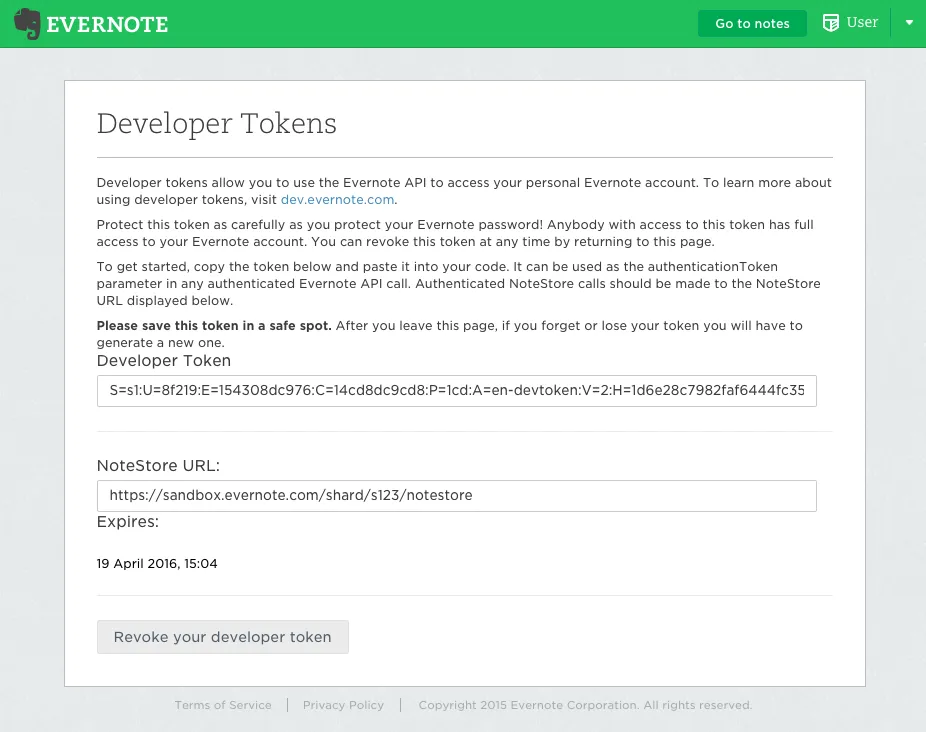
Open the production Developer Token page, create a token, and copy the complete value beginning with S=.
The official documentation distinguishes production and sandbox token pages. Use matching token, NoteStore URL, and account environments.
Step 2: Get the NoteStore URL
Copy the full URL shown with the token. It normally looks like:
Step 3: Get the Notebook GUID
Option A: Read listNotebooks
Option B: Use the returned guid
Use the target notebook’s guid, not its name, account ID, or shard ID.
Step 4: Configure the connector
Verification checklist
- Run an indexing attempt and confirm it succeeds.
- Search a known note title and a keyword from an unselected notebook.
- If validation fails, re-check the token, NoteStore URL, and GUID as one matching set.
- If attachments are missing, check the attachment switch and parser support.
Troubleshooting
Official references